
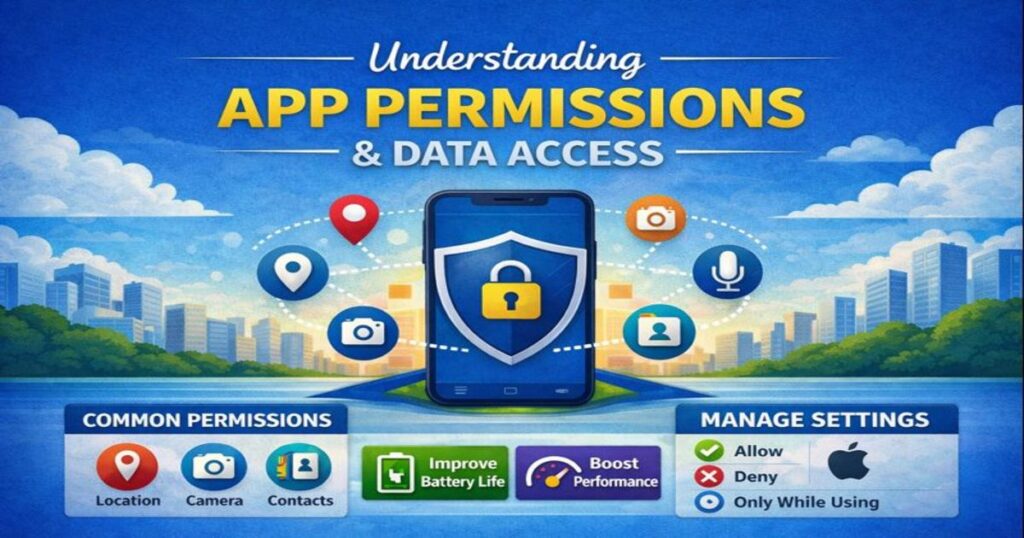
Smartphones have made life easier than ever. We use apps for messaging, shopping, banking, navigation, food delivery, fitness tracking, and entertainment. With just a few taps, almost everything is possible. But while installing or using these apps, many people quickly tap “Allow” on permission requests without really thinking about what they mean.
Every app asks for certain permissions to function properly. For example, a camera app needs access to your camera, and a maps app needs your location. These requests are normal and often necessary. However, understanding what each permission allows an app to access is important for protecting your privacy and controlling your personal data.
The good news is that you don’t need technical knowledge to stay safe. By learning how app permissions work and managing them wisely, you can use your smartphone confidently while keeping your information secure.
In this guide, we’ll explain app permissions in simple language, discuss how apps use your data, and share practical steps to manage access responsibly.
What Are App Permissions?
App permissions are requests made by apps to access certain features or data on your device. These permissions allow apps to perform specific tasks.
For example:
- A camera app needs access to the camera
- A calling app needs access to contacts
- A navigation app needs location access
The app may not work correctly without these permissions.
Permissions are designed to give users control. Instead of apps automatically accessing everything, your phone asks for approval first.
This system helps protect user privacy and ensures transparency.
Why Do Apps Need Permissions?
Apps rely on different device features to provide services. Permissions allow them to use these features safely and efficiently.
Here are a few common reasons
Functionality: Some app permissions are required for basic app operation. For instance, a photo editing app needs access to your gallery to edit pictures.
Personalization: Apps may use data to improve your experience, such as remembering preferences or suggesting relevant content.
Performance Improvement: Anonymous usage data helps developers fix bugs and improve app stability.
In most cases, permissions serve practical purposes rather than hidden ones. Still, users should always stay aware of what they allow.
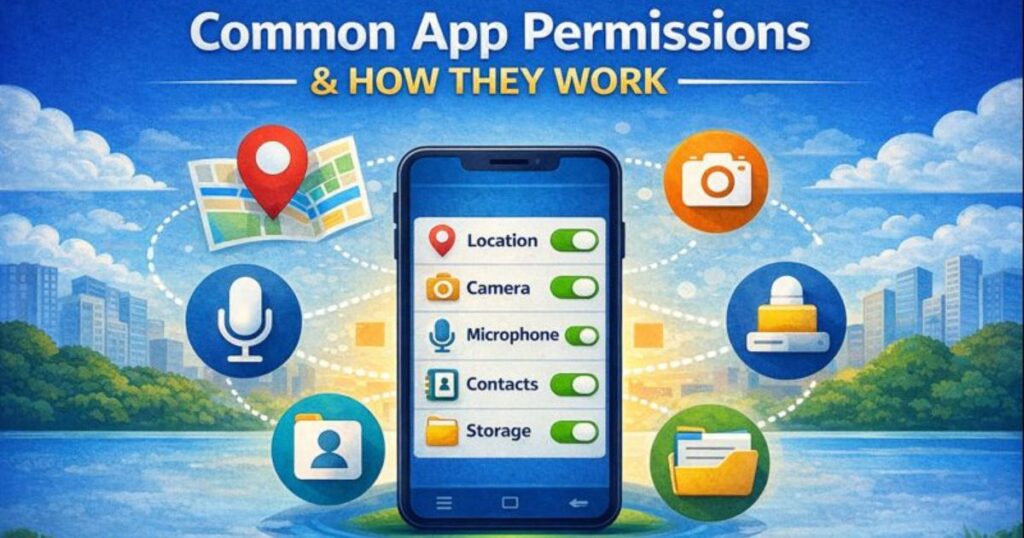
Common Types of App Permissions Explained
Let’s break down the most common permissions in simple terms.
Location Access
This allows apps to detect your device’s location.
Used for:
- Maps and navigation
- Ride booking apps
- Food delivery services
- Weather updates
Most phones offer options like:
- Allow all the time
- Allow only while using the app
- Don’t allow
Choosing “only while using” often provides a good balance between functionality and privacy.
Camera Access
Apps may request camera permission for:
- Taking photos
- Video calls
- Scanning QR codes
- Uploading pictures
This permission is necessary for apps like video calling or social media platforms.
However, apps that don’t clearly need camera access should be reviewed carefully.
Microphone Access
Microphone access is used for:
- Voice calls
- Voice messages
- Voice search
- Video recording
If an app doesn’t use voice features, this permission may not be required.
Contacts Access
This allows apps to read your contact list.
Used for:
- Finding friends
- Calling or messaging
- Inviting contacts
While useful for communication apps, not every app needs this information.
Storage or Files Access
This permission allows apps to:
- Save files
- Upload documents
- Download content
For example, document scanners or photo apps need storage access to save files.
Notifications
Apps request notification permission to send alerts, updates, or reminders.
While generally safe, too many notifications may be distracting. You can disable them for non-essential apps.
Background Activity
Some apps run in the background to:
- Sync data
- Send updates
- Track activity
Too many background apps can affect battery life and performance, so limiting them is helpful.
How Apps Access Data
It’s important to understand that apps don’t randomly access everything on your phone. They only access data you permit.
Data collection usually happens when:
- You sign up or create an account
- You enable permissions
- You interact with app features
For example:
- A fitness app tracks steps
- A shopping app saves order history
- A messaging app stores chats
Most reputable apps follow privacy guidelines and clearly explain their data practices in privacy policies.
Being aware helps you stay in control.
Signs You Should Review an App’s Permissions
Not all apps need every type of access. Sometimes permissions may seem unnecessary.
Consider reviewing permissions if:
- A simple game asks for contacts or location
- A flashlight app requests microphone access
- An app asks for too many unrelated permissions
If something feels unusual, it’s okay to deny or remove access.
Trust and logic should guide your decisions.
How to Manage App Permissions (Step-by-Step)
Managing permissions is easy and built into your device.
On Android:
Settings → Privacy → Permission Manager → Select permission → Choose apps
On iPhone:
Settings → Privacy & Security → Select category → Manage access
From there, you can:
- Allow
- Deny
- Allow only while using
Regularly checking permissions keeps your device secure.
Simple Tips to Protect Your Privacy
Here are practical habits anyone can follow:
Install Only Trusted Apps
- Download apps from official stores like Google Play Store or Apple App Store.
Read Permission Requests Carefully
- Take a few seconds to understand what the app is asking for.
Remove Unused Apps
- Unused apps still hold permissions and may run in the background.
Review Permissions Monthly
- A quick check once a month helps you stay updated.
Limit “Always Allow”
- Use “While using the app” whenever possible.
Keep Your Device Updated
- Updates include security improvements and better permission control.
These small steps create strong protection without extra effort.
Common Myths About App Permissions
“All apps spy on users”
Most apps collect only necessary data to function properly.
“Denying permissions breaks the phone”
Not true. It only limits specific app features.
“Permissions are too technical to manage”
Modern smartphones make permission control simple and user-friendly.
Understanding facts reduces confusion and builds confidence.
Benefits of Managing Permissions
Taking control of app permissions provides many advantages:
- Better privacy
- Improved battery life
- Faster performance
- Less background activity
- More control over personal data
It’s a small effort with big benefits.
FAQs
Are app permissions safe?
- Yes, when managed properly. Permissions are designed to give users control.
Can I change permissions later?
- Yes, you can modify permissions anytime from settings.
Do all apps collect personal data?
- Most apps collect limited data for functionality, but you decide what to allow.
Conclusion
App permissions are a normal and necessary part of using smartphones. They allow apps to function smoothly and deliver helpful features. However, blindly allowing every request may give apps more access than needed.
By understanding what each app permissions means and managing them wisely, you stay in control of your personal data. Simple habits like reviewing permissions, uninstalling unused apps, and installing trusted software can greatly improve your privacy.
Staying informed is the best protection. With the right awareness, you can enjoy all the benefits of mobile apps while keeping your information safe and secure.




Pingback: Mobile Overheating Solution | Keep Your Phone Cool