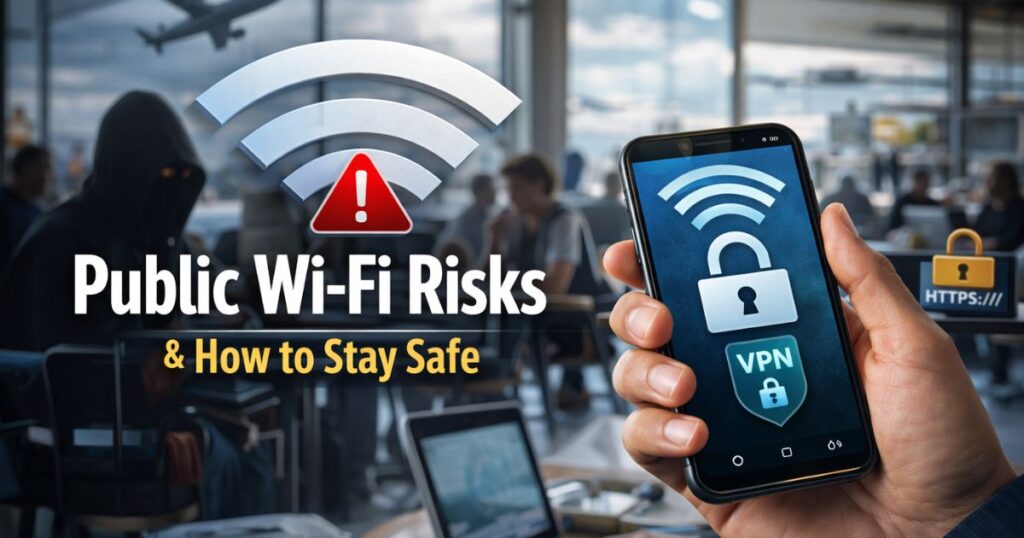
Public Wi-Fi is now a regular part of daily life. Whether you are sitting in a café, waiting at an airport, working from a hotel, or relaxing at a shopping mall, free internet access is often just one click away. It feels convenient, fast, and cost-effective. For many people, public Wi-Fi helps them stay connected without using mobile data.
However, public networks can also come with certain privacy and security risks. Because these networks are open and shared by many users, they may not always offer the same level of protection as your home or office connection. This does not mean you should avoid public Wi-Fi completely. Instead, it means you should use it wisely.
In this article, we will explain the common risks of public Wi-Fi and share simple, practical steps you can take to stay safe while browsing. The goal is to help you stay aware and confident, not worried.
What Is Public Wi-Fi?
Public Wi-Fi refers to wireless internet networks that are available for general use in public places. These include:
- Coffee shops
- Restaurants
- Airports
- Hotels
- Libraries
- Shopping centers
- Co-working spaces
Most of these networks are free or require minimal login details. While they are convenient, they are also shared by many unknown users at the same time. This shared environment can sometimes create security challenges.
Why Public Wi-Fi Can Be Risky
Public networks are different from private home networks. At home, you usually have a password-protected router and limited users. In public places, anyone nearby can connect to the same network.
Because of this, data protection may be weaker, and there is a higher chance of unauthorized monitoring or misuse.
Here are some common reasons why public Wi-Fi can carry risks:
- Open or weak security settings
- Multiple unknown users on the same network
- Fake or unverified networks
- Lack of encryption in some cases
Understanding these risks helps you take proper precautions.
Common Public Wi-Fi Risks
Let’s look at some typical issues users may face when using unsecured or shared networks.
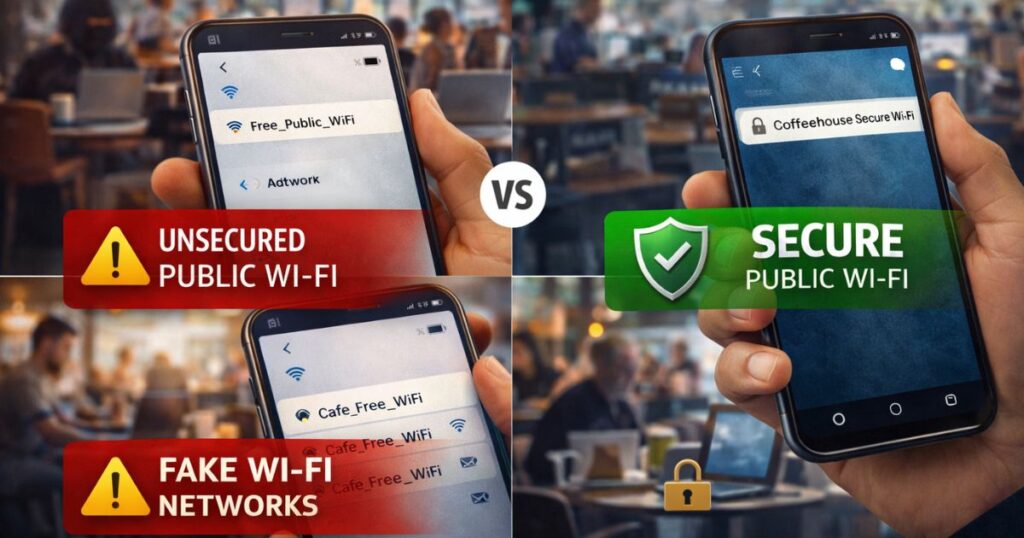
- Unsecured Connections: Some public Wi-Fi networks do not use strong encryption. This means that data transmitted over the network may not be fully protected. If sensitive information is shared on such networks, it may be easier for unauthorized parties to intercept it. This is why secure browsing practices are important.
- Fake Wi-Fi Networks: Sometimes, attackers create fake networks with names similar to legitimate ones, such as:
- “Cafe_Free_WiFi”
- “Airport_WiFi_Guest”
Users may accidentally connect to these networks, thinking they are official. Once connected, their online activity could be monitored. Confirm the network name with staff before you connect.
- Data Snooping: On shared networks, certain tools can be misused to observe unprotected data traffic. Most users mean no harm, but open environments can increase privacy risks. This risk becomes higher when visiting non-secure websites or sharing sensitive information.
- Malware or Unsafe Downloads: Public networks may sometimes expose users to unsafe links or downloads. Clicking unknown files or installing software from untrusted sources can affect your device’s security. This is not limited to public Wi-Fi, but shared networks increase exposure to unknown content.
- Account Access Risks: Logging into important accounts like:
- Online banking
- Work email
- Payment apps
on unsecured networks may increase risk if the connection is not properly protected. It’s better to use extra caution for such activities.
Signs of a Safe and Secure Network
Before connecting to public Wi-Fi, look for basic signs of safety:
- Network name verified by staff
- Login page from official provider
- HTTPS websites loading properly
- Password-protected access (not fully open)
These small checks reduce the chance of connecting to unsafe networks.
Simple Ways to Stay Safe on Public Wi-Fi
The good news is that protecting yourself does not require technical knowledge. Following simple habits can greatly improve your security.
- Use HTTPS Websites: Always check if a website uses HTTPS (look for the padlock symbol in the browser). HTTPS encrypts your data, making it harder for others to read your information. Most modern websites already use HTTPS, especially for logins and payments.
- Avoid Accessing Sensitive Accounts: Try not to perform important activities like:
- Banking transactions
- Large payments
- Changing passwords
- Accessing confidential work files
Save these tasks for a secure home or mobile network.
- Use a Trusted VPN: A Virtual Private Network (VPN) encrypts your internet traffic and adds an extra layer of privacy. When using a reputable VPN, your data becomes harder to monitor on shared networks. This is a common and legal way many professionals protect their connections while traveling.
- Turn Off Auto-Connect: Many devices automatically connect to available Wi-Fi networks. This can accidentally connect you to unknown or fake networks. Disable auto-connect and manually select trusted networks instead.
- Keep Your Device Updated: Software updates often include important security improvements. Keeping your device updated helps protect against known vulnerabilities.
Make sure to update:
- Operating system
- Browser
- Apps
- Antivirus or security tools
- Enable Firewall and Security Features: Most devices come with built-in firewalls and security settings. These features help block suspicious connections. Make sure they are turned on, especially when using public networks.
- Log Out After Use: After using websites or accounts on public Wi-Fi, log out properly instead of simply closing the browser. This reduces the chance of unauthorized access.
- Limit File Sharng: Turn off file sharing, AirDrop, or similar features when on public networks. This prevents unknown devices from attempting to access your files.
- Use Two-Factor Authentication: Two-Factor Authentication (2FA) adds an extra layer of protection to your accounts. Even with your password, no one can log in without a second verification step. This is especially useful when accessing accounts on shared networks.
Public Wi-Fi vs Mobile Data: Which Is Safer?
In general, mobile data connections are considered more secure than open public Wi-Fi because they are encrypted and not shared with strangers.
If you need to access sensitive information, using your mobile hotspot or mobile data may be a safer choice.
Public Wi-Fi is best for light activities like browsing articles, reading news, or watching videos.
Common Myths About Public Wi-Fi
“All public Wi-Fi is dangerous.”
- Not true. Many networks are reasonably safe. The key is using them carefully.
“Only hackers are at risk.”
- Anyone can be affected if basic precautions are ignored.
“Security tools are complicated.”
- Most protection steps are simple and built into your device.
Understanding facts helps you stay calm and make smart decisions.
FAQs
Is public Wi-Fi safe for browsing?
- Yes, public Wi-Fi is generally safe for basic tasks like reading articles, watching videos, or checking news. However, avoid sensitive activities like online banking or entering passwords.
Example: Browsing Google or YouTube is fine, but logging into your bank account is risky.
Should I completely avoid public Wi-Fi?
- No, you don’t need to avoid it completely. Just use it wisely and save important tasks for a secure or private network.
Example: Use café Wi-Fi to read emails, but use mobile data for payments or transactions.
Does HTTPS really help?
- Yes, HTTPS encrypts your connection and protects your data from being intercepted. Check for the lock icon in your browser.
Example: Logging into Gmail on an HTTPS site is safer than using a website that shows only HTTP.
Conclusion
Public Wi-Fi offers convenience and flexibility, making it easier to stay connected wherever you go. While shared networks may carry certain risks, simple precautions can greatly reduce them.
By using secure websites, avoiding sensitive activities, updating your device, and following basic safety practices, you can use public Wi-Fi confidently and responsibly. Awareness and smart habits are the best tools for protecting your online privacy.
Staying informed allows you to enjoy the benefits of free internet access without compromising your personal information.