
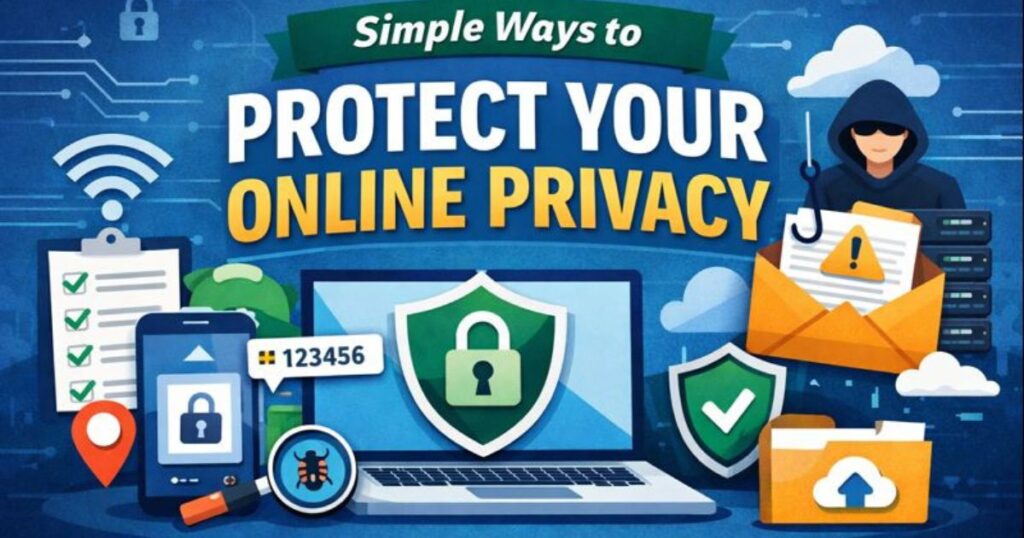
The internet is essential to daily life. We use it to work, shop, socialize, and entertain ourselves. However, every click, search, or app we use can potentially reveal personal information. Protect online privacy is simple. With a few simple, practical steps, you can keep your data safer and maintain more control over your digital life.
In this article, we will explore actionable ways to protect privacy on the internet, including browser settings, password habits, secure connections, and mindful online behavior. These tips are legal, safe, and easy to follow for everyday internet users.
Why Internet Privacy Matters
Before diving into protection strategies, it’s important to understand why online privacy matters. Personal data can include:
- Name, email, and phone number
- Location and browsing history
- Online shopping behavior
- App usage and preferences
While many websites and apps collect this data to improve user experience, advertising, or analytics, unauthorized access or careless sharing of personal data can lead to risks such as identity theft, spam, or targeted scams. Protect privacy online is not about paranoia—it’s about smart digital hygiene.
1. Use Strong and Unique Passwords
One of the simplest ways to protect online privacy is by using strong, unique passwords for every account. Weak or reused passwords are a common reason for data breaches.
Tips for Strong Passwords:
- Use a mix of letters, numbers, and symbols
- Avoid predictable information like birthdays or names
- Consider a passphrase (a combination of random words)
Using a password manager can help create and store secure passwords without the need to remember them all manually.
2. Enable Two-Factor Authentication (2FA)
Two-Factor Authentication adds extra security to your online accounts. Even if someone guesses your password, they cannot access your account without the second verification step, usually a code sent to your phone or email.
Benefits:
- Reduces the risk of unauthorized access
- Protects sensitive data on email, banking, or cloud accounts
- Easy to enable on most services like Google, Facebook, Microsoft, and social media platforms, etc.
3. Review App and Browser Permissions
Many apps and websites request access to your personal data. Regularly reviewing and managing these permissions helps minimize unnecessary data sharing.
Tips:
- Check which apps can access your location, camera, microphone, or storage
- Remove permissions for apps you rarely use
- Adjust browser settings to limit access to location or camera
By controlling permissions, you reduce the risk of apps collecting more data than needed.
4. Use a Secure and Private Browser
Your browser opens the gateway to the internet. Choosing a secure browser and adjusting its privacy settings can significantly improve your online privacy.
Recommended Practices:
- Enable private browsing modes to reduce local tracking
- Disable third-party cookies to prevent cross-site tracking
- Regularly clear browsing history and cache
Some browsers offer built-in privacy features such as ad-blocking and tracker blocking, which help reduce data collection by websites.
5. Keep Software Updated
Outdated software can have security vulnerabilities that hackers can exploit to access personal data. This includes:
- Operating system updates
- Web browsers and extensions
- Mobile apps and device firmware
Automatic updates are the safest way to ensure you are protected against known vulnerabilities.
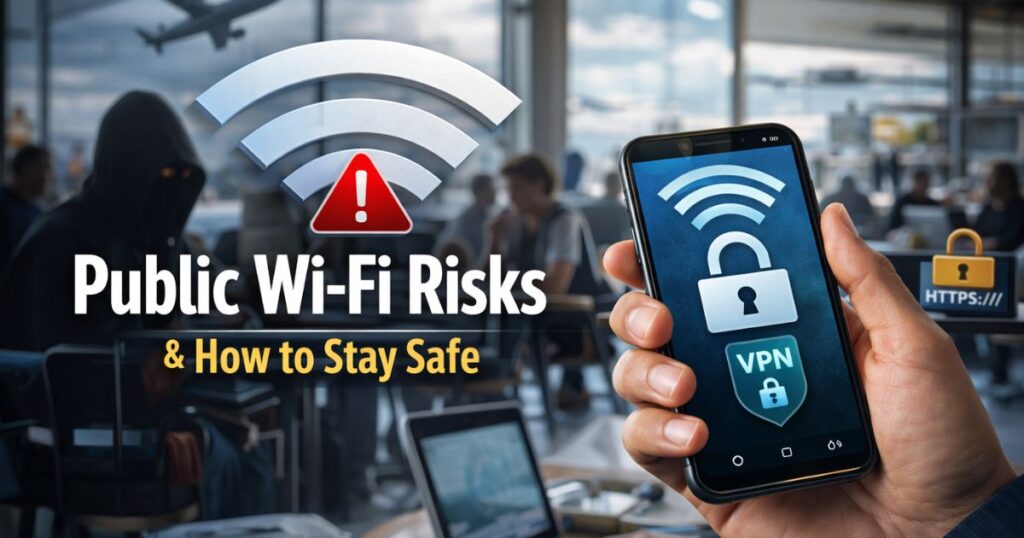
6. Use Secure Internet Connections
Using public Wi-Fi or unsecured networks can expose your data to potential interception. Simple measures can make a big difference.
Tips:
- Prefer secure Wi-Fi connections with strong passwords
- Avoid using sensitive accounts (banking, email) on public Wi-Fi.
- Protect your connection with a trusted VPN.
A secure connection ensures your data is less likely to be intercepted or monitored.
7. Be Mindful of Sharing Personal Information
Think before sharing personal information online. Social media, forums, and even casual emails can unintentionally expose sensitive details.
Guidelines:
- Avoid sharing exact birthdates, home addresses, or financial details publicly
- Check privacy settings on social media platforms
- Limit the number of people who can view your posts and personal information
- Mindful sharing reduces the chances of identity theft and unwanted tracking.
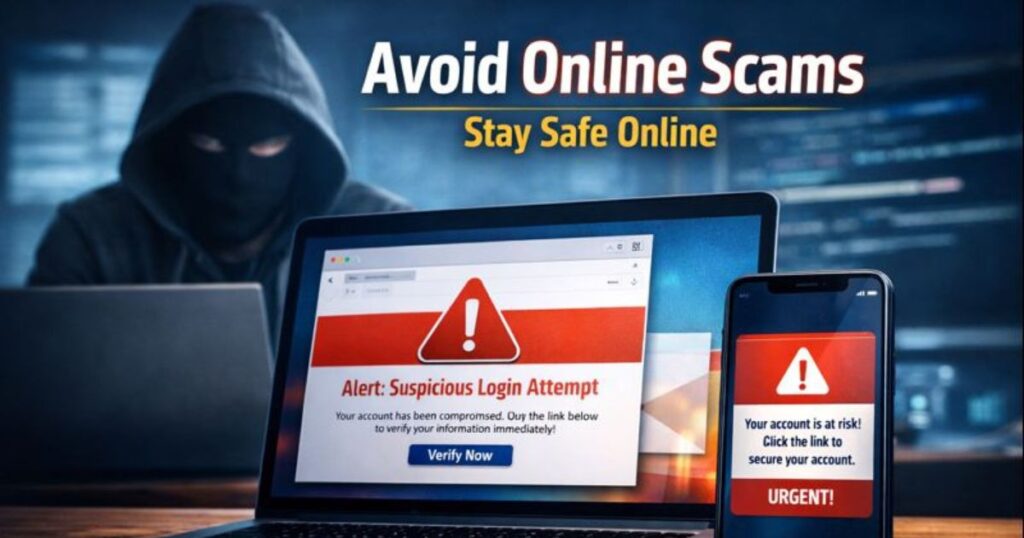
8. Recognize Phishing and Scams
Phishing emails, fake websites, and suspicious messages aim to trick users into revealing passwords or personal data. Recognizing these threats is essential for online safety.
Tips:
- Do not click on unknown links or attachments
- Verify email senders before responding
- Look for secure website indicators (HTTPS, padlock symbol)
- By staying alert, you protect both your personal data and your digital accounts.
9. Manage Advertising and Tracking Preferences
Many online platforms use tracking to show personalized ads. While this is generally safe, you can control how much data is shared.
Ways to Manage Tracking:
- Review ad personalization settings on Google, Facebook, and other platforms
- Use browser extensions that block trackers
- Limit app tracking on mobile devices
- These steps reduce unnecessary data collection without compromising the basic functionality of apps and websites.
10. Backup Data Regularly
Backing up important files and personal information ensures that even if data is lost or compromised, you have a safe copy.
Tips:
- Use secure cloud storage or encrypted drives
- Keep multiple copies of critical documents
- Update backups periodically
Regular backups are an essential part of privacy and data management.
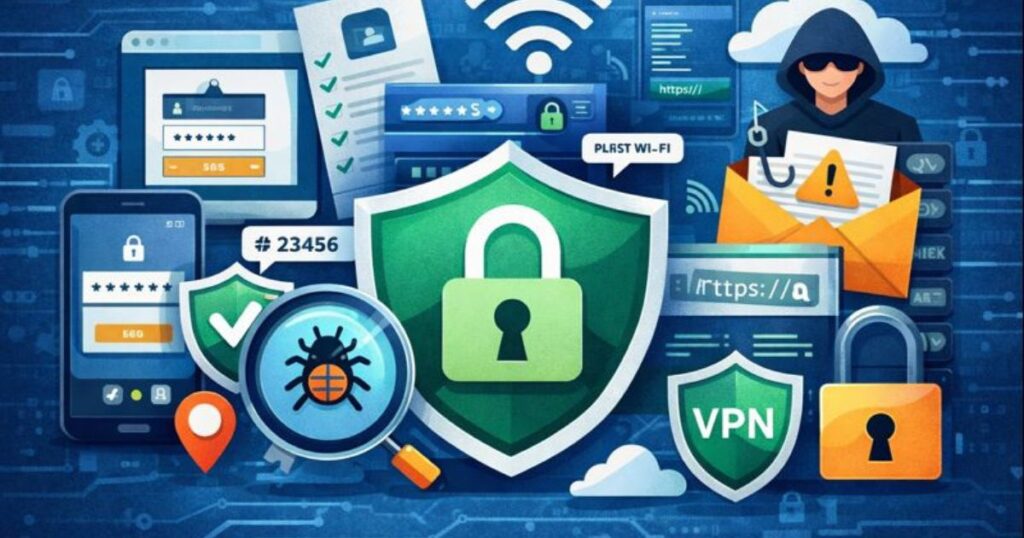
Common Myths About Online Privacy
Myth 1: ‘‘I Have Nothing to Hide, Privacy Doesn’t Matter’’
- Even basic personal data can be exploited if left unprotected. Privacy is about control, not secrecy.
Myth 2: “Private Browsing Makes Me Invisible”
- Private browsing reduces local history tracking but does not make you invisible online. Your internet service provider, apps, and websites can still see your activity.
Myth 3: “Only Hackers Can Access My Data”
- Data exposure can happen through weak passwords, app permissions, or unsecured networks—not just hacking. Everyday precautions are effective.
Understanding these myths helps you take practical steps without unnecessary fear or confusion.
FAQs About Internet Privacy
Can I completely hide my online activity?
- No method can guarantee 100% invisibility. However, using strong passwords, secure connections, and mindful sharing drastically improves privacy.
Are free apps safe to use?
- Most free apps are safe if downloaded from trusted sources. However, review permissions and understand that free services often use data for analytics or advertising.
How often should I review privacy settings?
- It’s a good habit to review privacy settings every few months, or whenever you install new apps or update your devices.
Conclusion
For Protect privacy on the internet doesn’t require technical expertise or complicated tools. By adopting simple, consistent habits—like using strong passwords, managing permissions, browsing securely, and being mindful of the information you share—you can maintain control over your personal data.
Online privacy is about awareness, choice, and responsible behavior. Implementing these practices will help you enjoy the benefits of the internet while keeping your personal information safe.


Pingback: Public Wi-Fi Risks & Safety Tips | Stay Secure Online
Pingback: Understanding App Permissions and Data Access