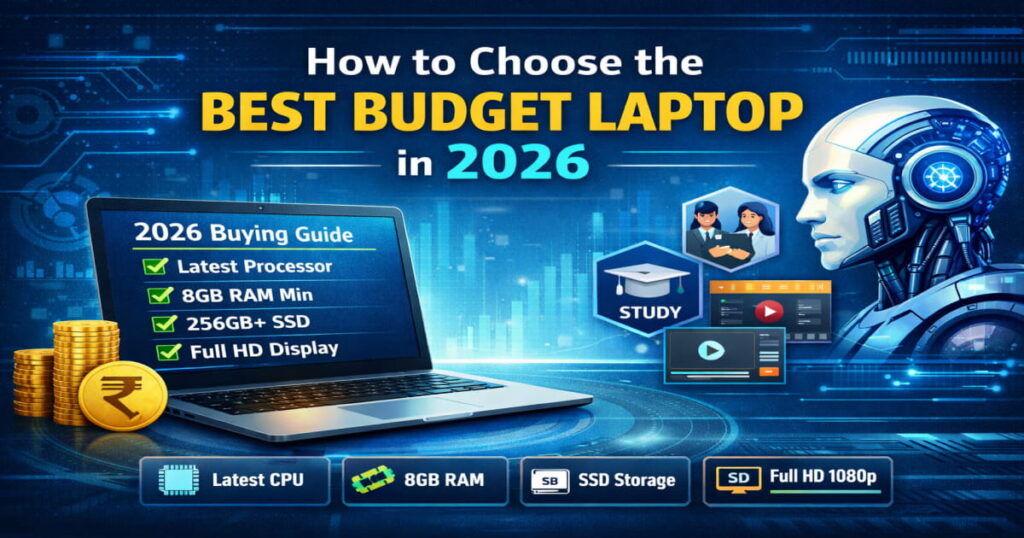
Have you ever bought a “best budget laptop,” thinking you got a great deal, only to regret it a few months later?
Maybe it started lagging during video calls.
Maybe multitasking became frustrating.
Or maybe a major system update made it feel slow overnight.
This is still one of the most common technology mistakes in 2026.
The problem isn’t budget laptops. The problem is choosing the wrong configuration for modern usage.
Software is heavier. Browsers consume more RAM. AI-powered operating system features run in the background. Remote work tools demand better hardware. Even everyday multitasking is more demanding than it was a few years ago.
This complete 2026 buying guide will help you to Choose the Best Budget Laptop:
- Understand which specifications actually matter
- Match configuration with real-world usage
- Avoid common buying mistakes
- Choose a laptop that lasts 3–5 years
- Make a smart long-term decision without overspending
Why Choosing a Best Budget Laptop in 2026 Is Different
Budget laptops today are more powerful than ever — but expectations have changed.
In 2026:
- Operating systems include built-in AI features
- Browsers use more memory per tab
- Web apps are heavier
- Video meetings demand better processors
- Software updates require more storage
- Cloud syncing runs continuously in background
Older entry-level configurations that worked in 2020–2022 are no longer ideal today.
A smart budget laptop in 2026 must balance:
- Performance
- Efficiency
- Upgrade potential
- Long-term usability
Define Your Real Usage
Before checking prices, ask:
What will I realistically use this laptop for over the next 3–4 years?
Your usage should decide your configuration — not just the lowest price available.
Common Usage Categories in 2026
• Online classes
• Research and assignments
• Presentations
• Light coding
• Multitasking between browser + apps
• Video conferencing
• Excel, Word, PowerPoint
• Browsers with 15+ tabs
• CRM and project tools
• Cloud-based platforms
• Browsing
• Streaming (YouTube, OTT)
• Online banking
• Social media
• Canva
• Basic photo editing
• Short-form video editing
• Presentation graphics
• Content scheduling tools
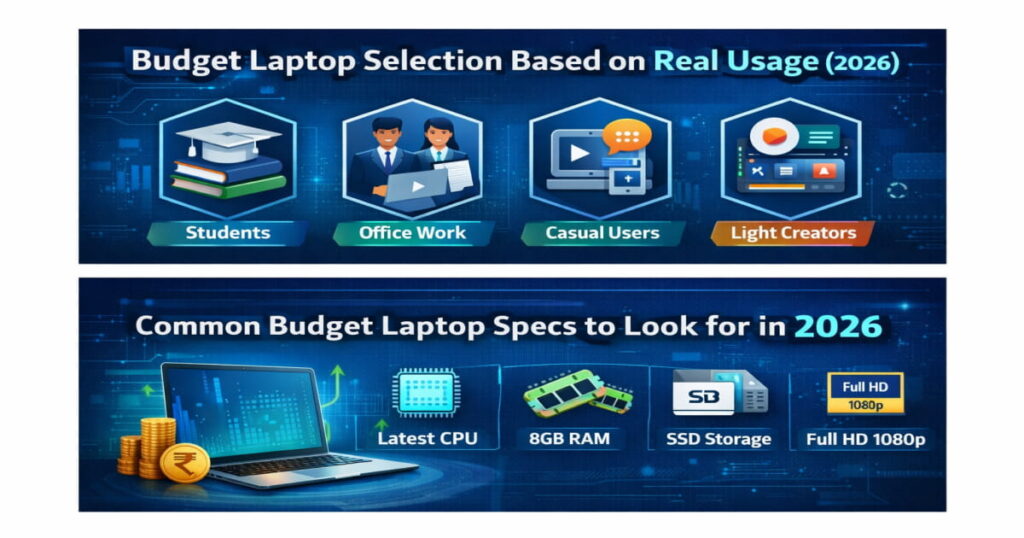
Budget Laptop Selection Based on Real Usage (2026)
| Usage Type | Typical Activities | Minimum Recommended Specs (2026) | Ideal Specs for 3–4 Years | Who Should Avoid Lower Config |
|---|---|---|---|---|
| Students | Classes, research, presentations, light coding | Latest-gen i3 / Ryzen 3, 8GB RAM, 256GB SSD, Full HD | i5 / Ryzen 5, 16GB RAM, 512GB SSD | Students doing coding, design |
| Office / Remote Work | Video calls, Excel, multitasking | Latest-gen i3 / Ryzen 3, 8GB RAM, 256GB SSD | i5 / Ryzen 5, 16GB RAM, 512GB SSD | Heavy data professionals |
| Casual Users | Browsing, streaming | i3 / Ryzen 3, 8GB RAM, 256GB SSD | Same config with strong battery | Users expecting long lifespan |
| Light Creators | Canva, basic editing | i5 / Ryzen 5, 8GB RAM, 512GB SSD | i5 / Ryzen 5, 16GB RAM, 512GB SSD | Advanced video editors |
Choose the Right Processor (CPU)
The processor determines overall system responsiveness, so understanding the different types of processors and their uses is essential before buying a laptop.
In 2026:
- Always choose the latest available generation
- Avoid heavily discounted old-gen processors
- Energy-efficient chips improve battery life
Entry-Level (Basic Usage)
Modern Core i3 or Ryzen 3 processors are sufficient for:
- Browsing
- Office apps
- Streaming
- Online classes
Mid-Range (Better Longevity)
Core i5 or Ryzen 5 is ideal for:
- Heavy multitasking
- Video conferencing + spreadsheets
- Light editing
- Long-term usability
i3 vs i5 in 2026 – Practical Difference
| Scenario | i3 | i5 |
|---|---|---|
| 10 browser tabs + Word | Smooth | Very smooth |
| 20 tabs + Zoom + Excel | May slow down | Handles better |
| Light video editing | Limited | Suitable |
| 3–5 year longevity | Moderate | Strong |
For long-term use, mid-range processors provide better stability.
Ryzen 3 vs Ryzen 5 in 2026 – Practical Difference
| Scenario | Ryzen 3 (R3) | Ryzen 5 (R5) |
|---|---|---|
| 10 Browser Tabs + Word | Smooth | Very Smooth |
| 20 Tabs + Zoom + Excel | May Slow Down | Handles Better |
| Light Video Editing | Limited | Suitable |
| 3–5 Year Longevity | Moderate | Strong |
For long-term use, mid-range processors like Ryzen 5 provide better performance stability and future-proofing.
RAM — Minimum 8GB in 2026
RAM affects multitasking performance.
4GB RAM is outdated for modern systems.
Recommended:
- 8GB RAM → Minimum standard
- 16GB RAM → Ideal for future-proofing
If you:
- Keep many browser tabs open
- Use multiple apps together
- Join frequent video meetings
Then 8GB is essential, and 16GB provides smoother long-term performance.
Storage — SSD Is Mandatory
Never choose HDD-only laptops in 2026.
Why SSD matters:
- Faster boot time
- Faster app loading
- Better system responsiveness
- Improved reliability
Recommended:
- 256GB SSD → Minimum
- 512GB SSD → Ideal for long-term use
If you store large files, videos, or software tools, 512GB is safer.
Display Quality Impacts Productivity
Do not ignore display quality.
Look for:
- Full HD (1920 × 1080) resolution
- Anti-glare panel
- Decent brightness for indoor use
Lower-resolution displays reduce comfort, especially during long study or work sessions.
Battery Life & Build Quality
Specifications alone are not enough.
Check:
- Real-world 6–8 hours battery backup
- Strong hinge quality
- Comfortable keyboard
- Proper heat management
- Reliable service support
A durable laptop saves replacement cost in 2–3 years.
Upgradeability Matters
Before buying, check:
- Is RAM upgradeable?
- Is there an extra SSD slot?
- Is RAM soldered?
- What is the maximum supported memory?
Even budget laptops can become long-lasting if upgradeable.
Budget Planning: Practical Price Segments
While pricing varies by region and offers, budget categories generally fall into:
- Entry Budget: Basic multitasking and student use
- Mid Budget: Office + long-term stability
- Upper Budget: Light creative + strong longevity
Focus on configuration value — not just lowest price.
Common Mistakes to Avoid
- Buying based only on price
- Choosing 4GB RAM
- Buying HDD storage
- Ignoring processor generation
- Falling for marketing labels
- Ignoring service network
- Not checking upgrade options
These mistakes often lead to replacement within 1–2 years.
Quick Buying Checklist
- Latest generation processor
- Minimum 8GB RAM
- SSD storage (256GB+)
- Full HD display
- Good battery life
- Upgrade option available
- Trusted service support
Frequently Asked Questions
Is 8GB RAM enough for a budget laptop in 2026?
Yes, 8GB is the minimum recommended for smooth daily multitasking. For long-term usage, 16GB is better.
Is 256GB SSD enough?
Yes for basic users. 512GB is safer for professionals and creators.
Should I avoid HDD laptops in 2026?
Yes. SSD storage is essential for performance and reliability.
Which is better — Intel or AMD?
Both offer strong modern processors. Choose the latest generation within your budget rather than focusing only on brand name.
Can a budget laptop last 4–5 years?
Yes, if it includes: Modern processor, At least 8GB RAM, SSD storage, Upgrade flexibility.
Important Disclaimer
Laptop prices (if mentioned) are approximate and may vary depending on region, availability, configuration, seasonal sales, and market conditions in 2026. Specifications and pricing change frequently due to hardware updates and supply factors.
Brand references are used strictly for general comparison purposes. This guide does not promote or endorse any specific manufacturer or product. Buyers are advised to verify official specifications, warranty details, and current pricing from authorized sellers or official websites before making a purchase decision.
Final Thoughts
Choosing the best budget laptop in 2026 is not about buying the cheapest option.
It is about choosing:
- A modern processor
- Minimum 8GB RAM
- SSD storage
- Full HD display
- Upgrade potential
- Reliable build quality
When your laptop matches your real usage — not just your budget — you avoid regret and make a confident long-term investment.
You now have a complete, practical framework to choose wisely.
Make your decision based on usage, performance, and longevity — not just price.